

01
Machine gun
- Primary
- Bullets hit the first content in their path.
- Secondary
- Launch a grenade that explodes on contact.
Install the browser extension
 SafariSOON
No installation. Play in your browser.
Page Rage is a free browser destruction game. Fly a jetpack pilot, switch between five weapons and smash six fictional websites. No account needed. Learn the controls →
Get to know the gameA small break. A big mess.
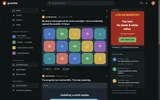
A familiar-looking website. A jetpack. Five very unreasonable weapons. Page Rage turns a page into a physics playground where text, pictures and panels break into falling pieces.
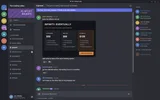
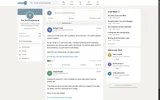
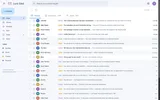
Fly through a fictional forum, social feed, news site, inbox, chat app or shop. Try a different weapon, make a mess, then reset it all. There is no timer and no score to chase.
Take Grumble apart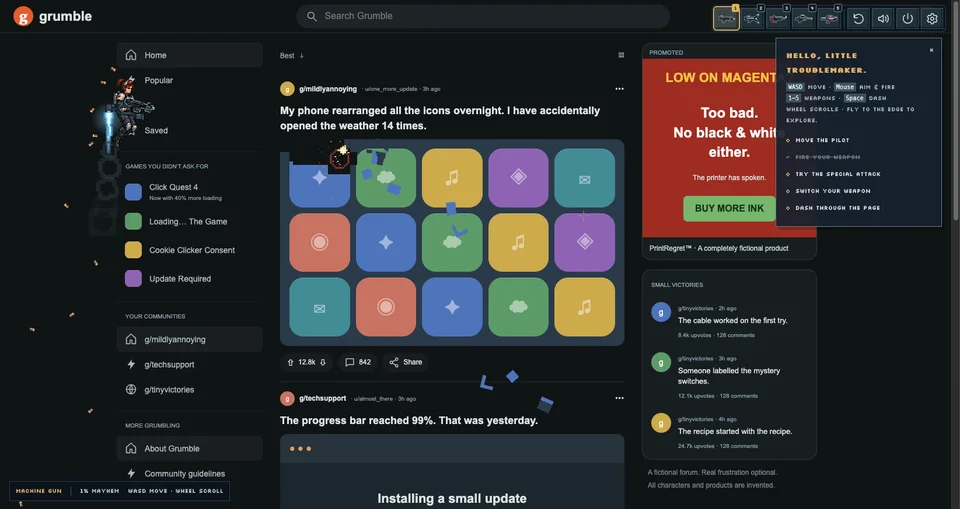
Ready in three steps
Choose one of the six fictional websites above. A crowded feed or a very annoying inbox makes a good first target.
Press “Break this page” to launch your jetpack pilot. On desktop, use WASD or the arrow keys to move and your mouse to aim.
Left-click for primary fire, right-click for secondary fire. Press 1–5 to switch weapons. On touch screens, use the two on-screen sticks.
A fresh page is always one restart away.
All keyboard & touch controlsMeet the toolbox
Switch whenever you like. Every weapon has a second trick.
Yes. All six fictional websites and all five weapons are free to play. You do not need an account, and there are no weapon unlocks to wait for.
No installation is needed for the playgrounds on this site. Pick a page and start playing. The optional desktop browser extension is for playing over other websites; see the two ways to play.
Yes, the online playgrounds have touch controls. Move with the left stick and aim and fire with the right stick. Hold the target button for secondary fire, and swipe the page to scroll. See the full controls guide for more.
The damage is a temporary visual overlay on your device. The game does not delete the underlying website or send your shots to it. End the game to return to the page underneath.
Use the restart arrow in the game toolbar, or press Shift + R on a keyboard, to clear the damage and start again. To leave the game, use the power button or press Escape.
Game preferences, such as volume and camera shake, stay in your browser. If you save a fictional Junk Mail draft, its subject and message are also stored locally. Damage is temporary, and the game does not upload captured page images. Read the privacy details.
Your next five minutes